
Your files stay files
Files sit in ordinary folders, under the same names as in the interface. Each user has their own folder.
Stop or remove DiscoDrive and the files stay where they are. Any file manager can open them, and you can move them anywhere.
It works the other way too: copy files straight into the folder on the server and they show up in the cloud. That is the easiest way to bring an existing collection over.
Open protocols
Finder, File Explorer, calendars, players and e-readers connect to the server directly. You do not have to install our apps.
| Protocol | What it carries | What connects |
|---|---|---|
| WebDAV | Files, mounted as a disk | Finder on macOS, File Explorer on Windows, Android file managers |
| CalDAV | Calendars and reminders, with sharing and public feeds | iOS and macOS natively, DAVx⁵ on Android, Thunderbird, Evolution, eM Client |
| CardDAV | Address books, with import and export | iOS, macOS, DAVx⁵, Thunderbird, Evolution, eM Client |
| OpenSubsonic | Music, playlists, favourites, lyrics, covers, internet radio and podcasts | Amperfy, Feishin and any other Subsonic-compatible player |
| OPDS | Books with covers and browsing by author, series and genre: EPUB, FB2, PDF, MOBI, CBZ, CBR | KOReader, PocketBook, Marvin and other readers with OPDS support |
| kosync | Reading position, shared between devices | KOReader on every device you read on |
| DiscoDrive sync | Folder sync, with changes arriving straight away | DiscoDrive apps and the folder sync service |
Files in the browser
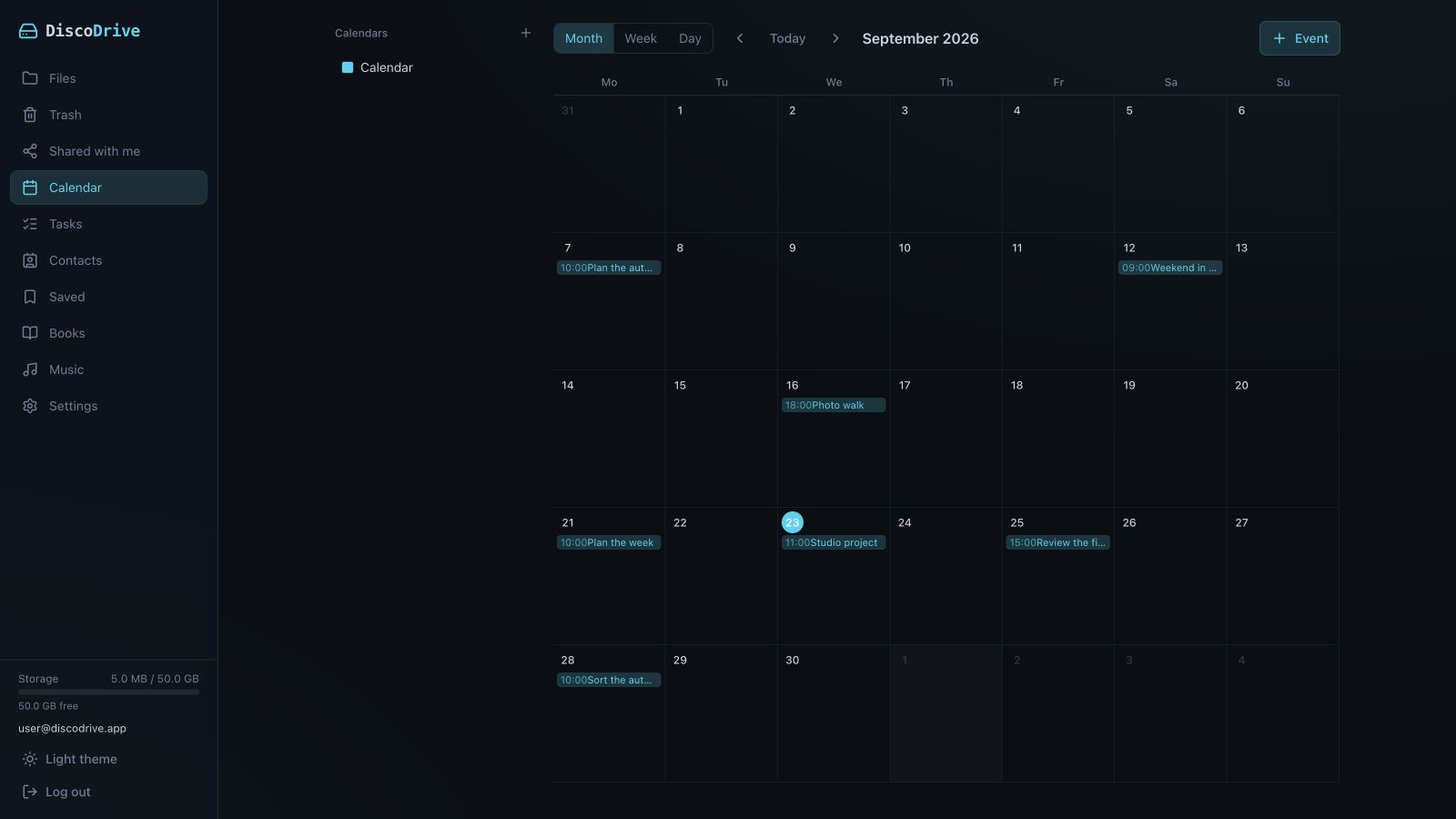
Working with files needs nothing but a browser.
- Files and folders upload by drag and drop. Every file goes through an integrity check.
- There is a trash and a version history. You decide how much of each to keep.
- Links for other people: with a password, an expiry date, read-only.
- If a file was edited in two places at once, both versions are kept — nothing gets silently overwritten.
- Previews for images, PDF, Markdown, code, DOCX and XLSX.
- File modification dates survive the upload.
- Titles, authors and covers of music and books can be edited — for one file or a whole folder at once.
Quotas
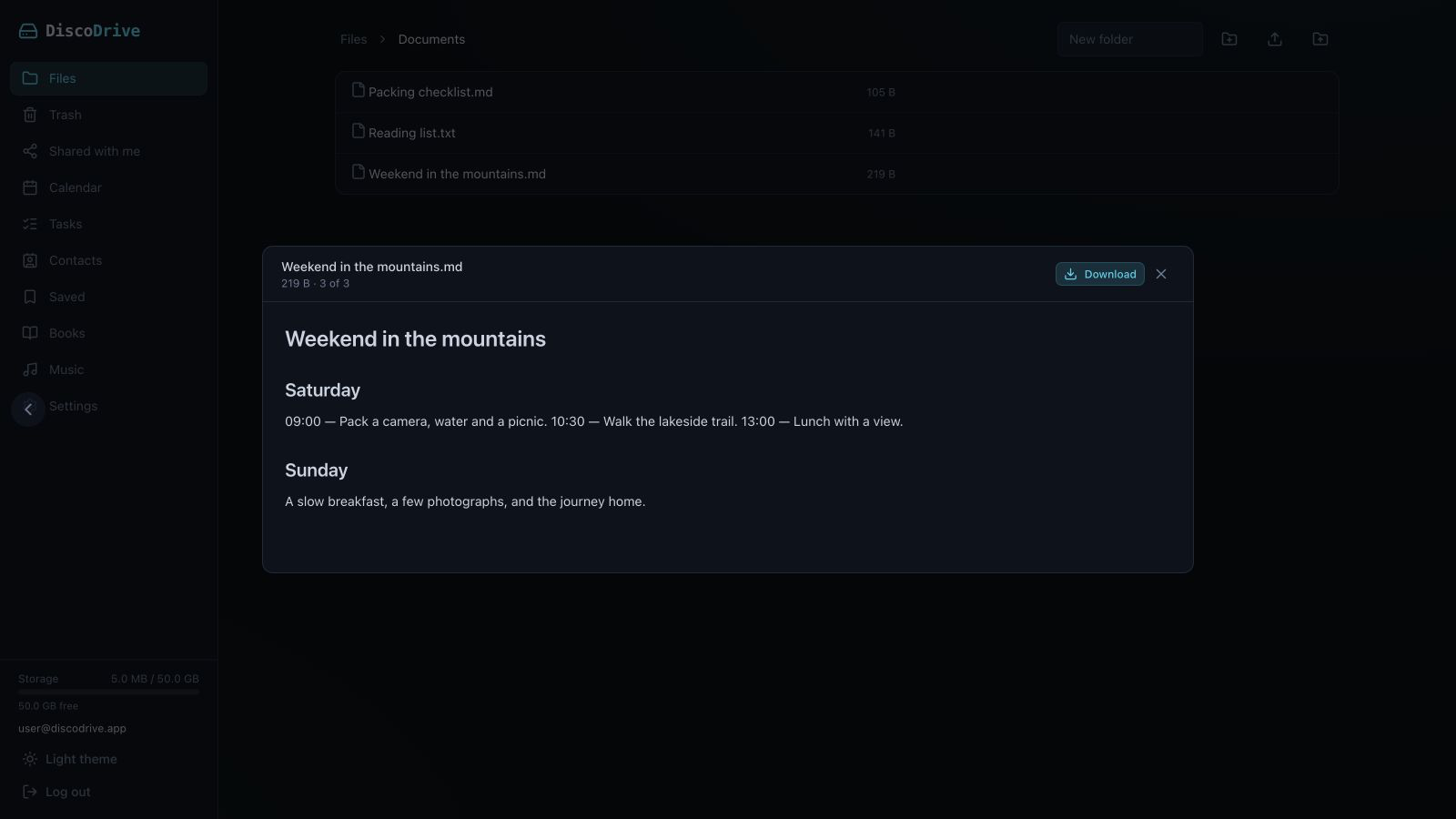
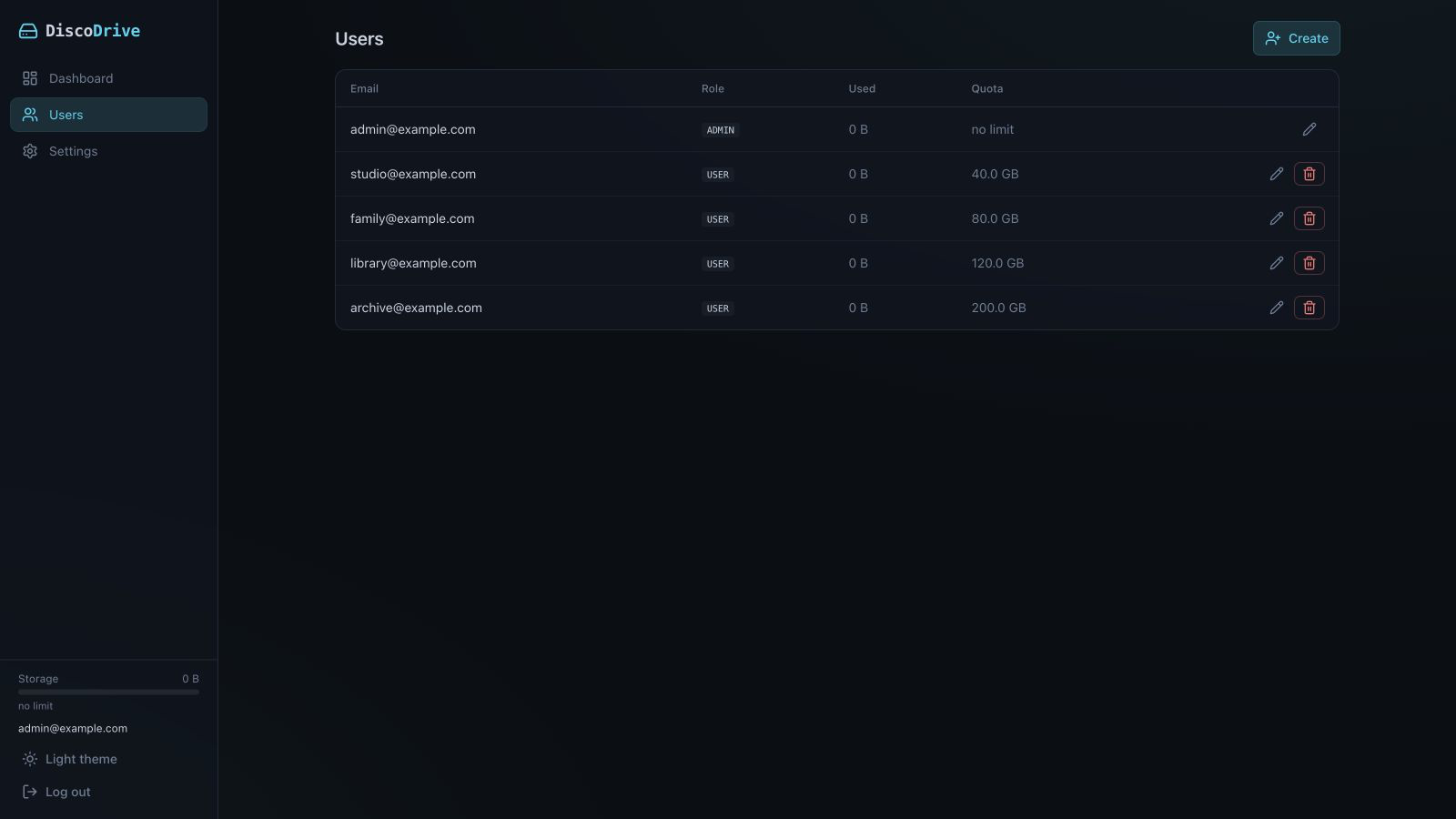
Limits are set per user and for the whole server. Once a limit is used up, new files are not written.
The admin panel shows in advance when space is running out. Files, trash, old versions and downloaded podcasts all count towards the quota.
When a quota is reached
507 Insufficient Storage
The response says how much is used and what the limit is.
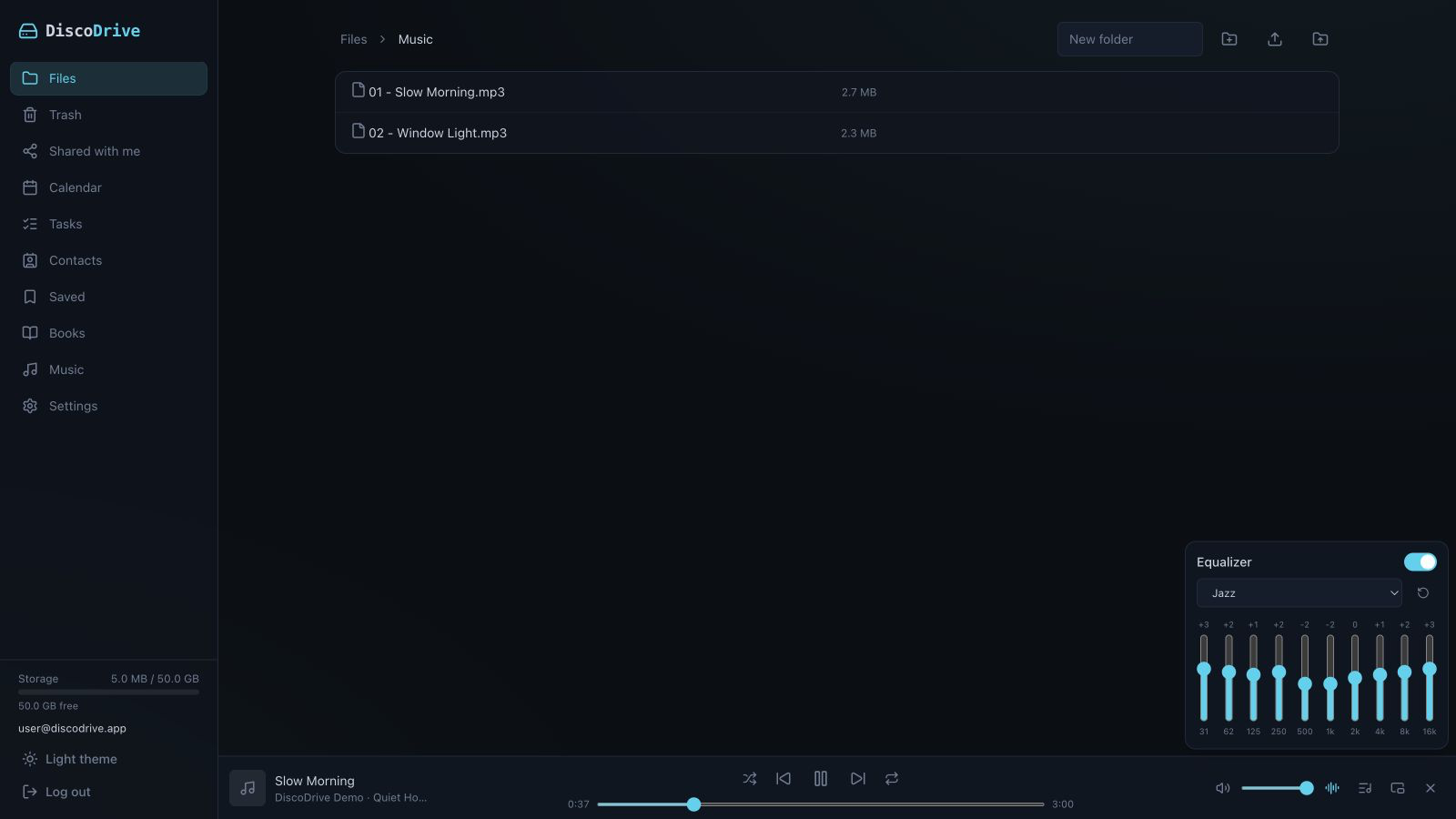
A player in the browser
- Music and video play straight from the file list, with no download needed.
- The player sits at the bottom of the screen and never gets in the way. Video has a theatre mode.
- The player can pop out into a separate window on top of the others, and that window survives a page reload.
- A ten-band equaliser with presets.
Saved: bookmarks, articles, downloads
- Bookmarks sync between browsers through the extension.
- Articles are saved for later, without ads. The extension takes the text straight from the open tab.
- The server downloads files from a link by itself, so you can turn your computer off. The administrator sets the maximum size, and your quota applies.
- Podcasts: the server downloads new episodes, and you can bookmark places inside them.
Security
Sign-in, devices and an event log.
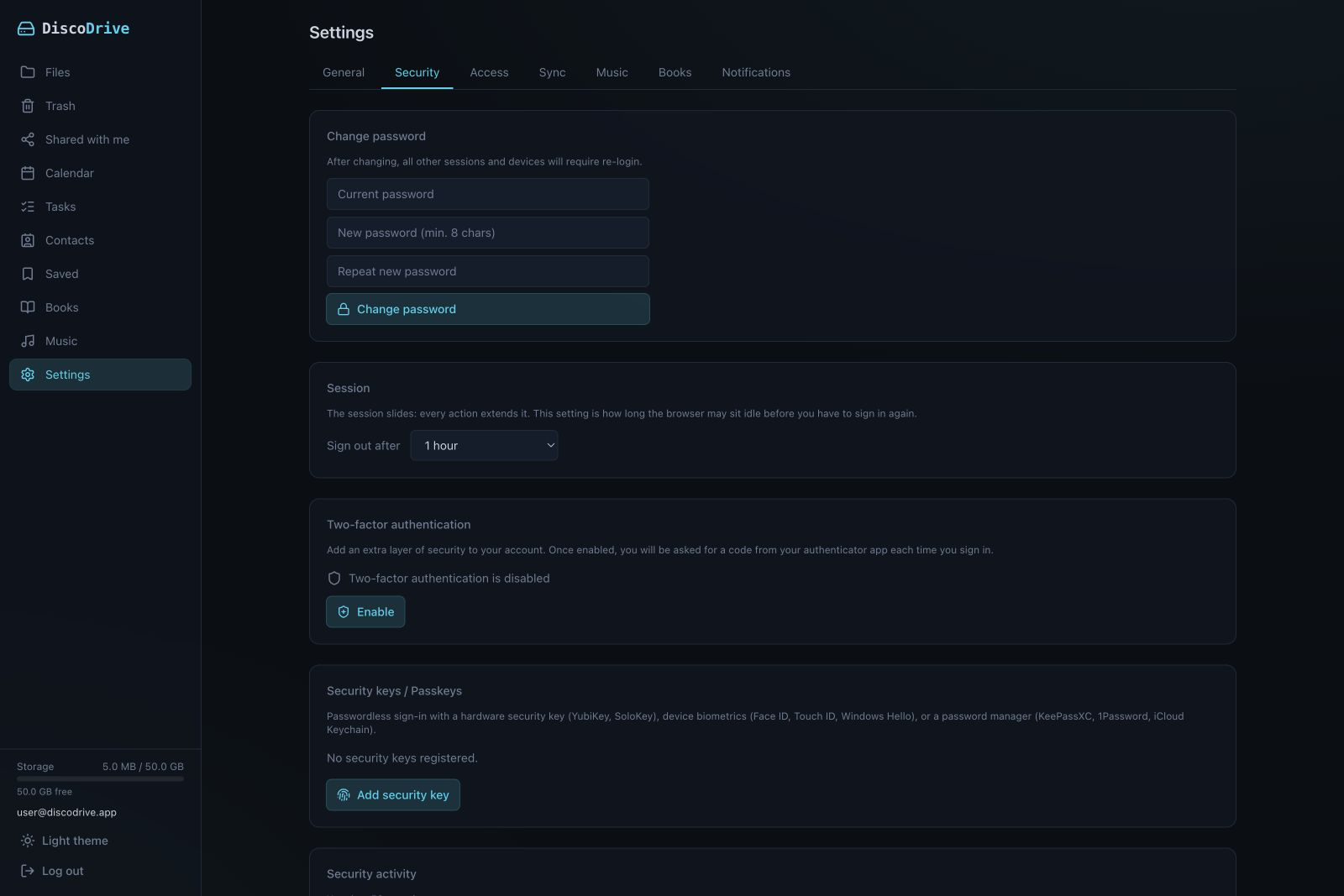
- Two-factor sign-in with TOTP, plus backup codes in case you lose your phone.
- Sign-in with WebAuthn and passkeys: Touch ID, Face ID or a hardware key.
- App passwords for WebDAV, players and e-readers. Your main password is never shared with third-party programs.
- A new device connects with a code you confirm in the web interface.
- A security log, email notifications, a limit on sign-in attempts.
- Each user picks their own session lifetime.
- Connections are encrypted with TLS.
Administration
- Accounts and a quota for each user.
- Email notifications, with a test message to check delivery.
- A warning when disk space is about to run out.
- Service settings and connected devices live in the web interface.
- The interface comes in seven languages: English, German, Ukrainian, French, Spanish, Russian and Serbian.
Install it and try
One folder and one connected app are enough to start. Installation is described step by step.