In short
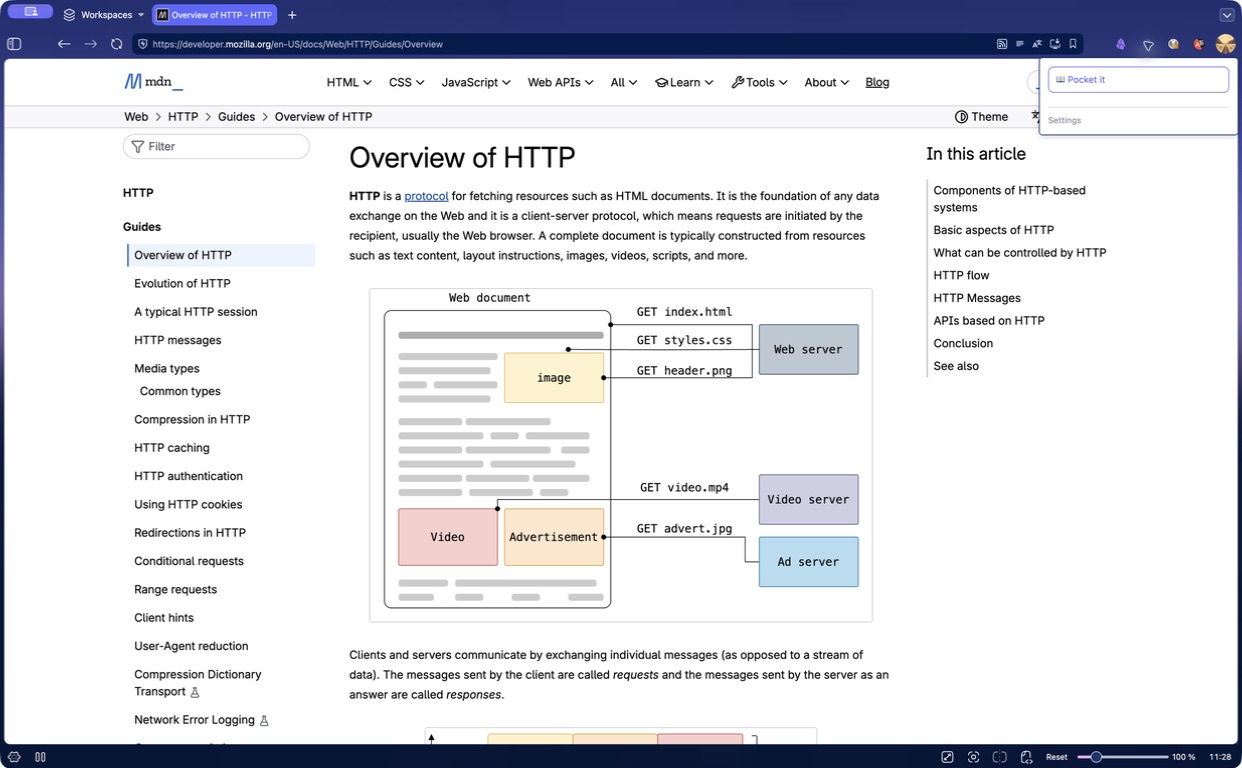
An article you have no time for yet does not have to sit in an open tab — save it for later. Bookmarks stay the same in Firefox and Chromium.
The server downloads large files, and your computer can be switched off.
The extension connects with a code you confirm in the web interface. It never needs your password.
| Feature | What you get |
|---|---|
| Browsers | Firefox and browsers built on Chromium |
| Files | Download links directly to your server |
| Articles | Read later, without ads or clutter |
| Bookmarks | Sync between connected browsers |
| Connection | A code confirmed in the web interface |
| Guide | Screenshots and instructions in seven languages |
Your server downloads the file, not your computer
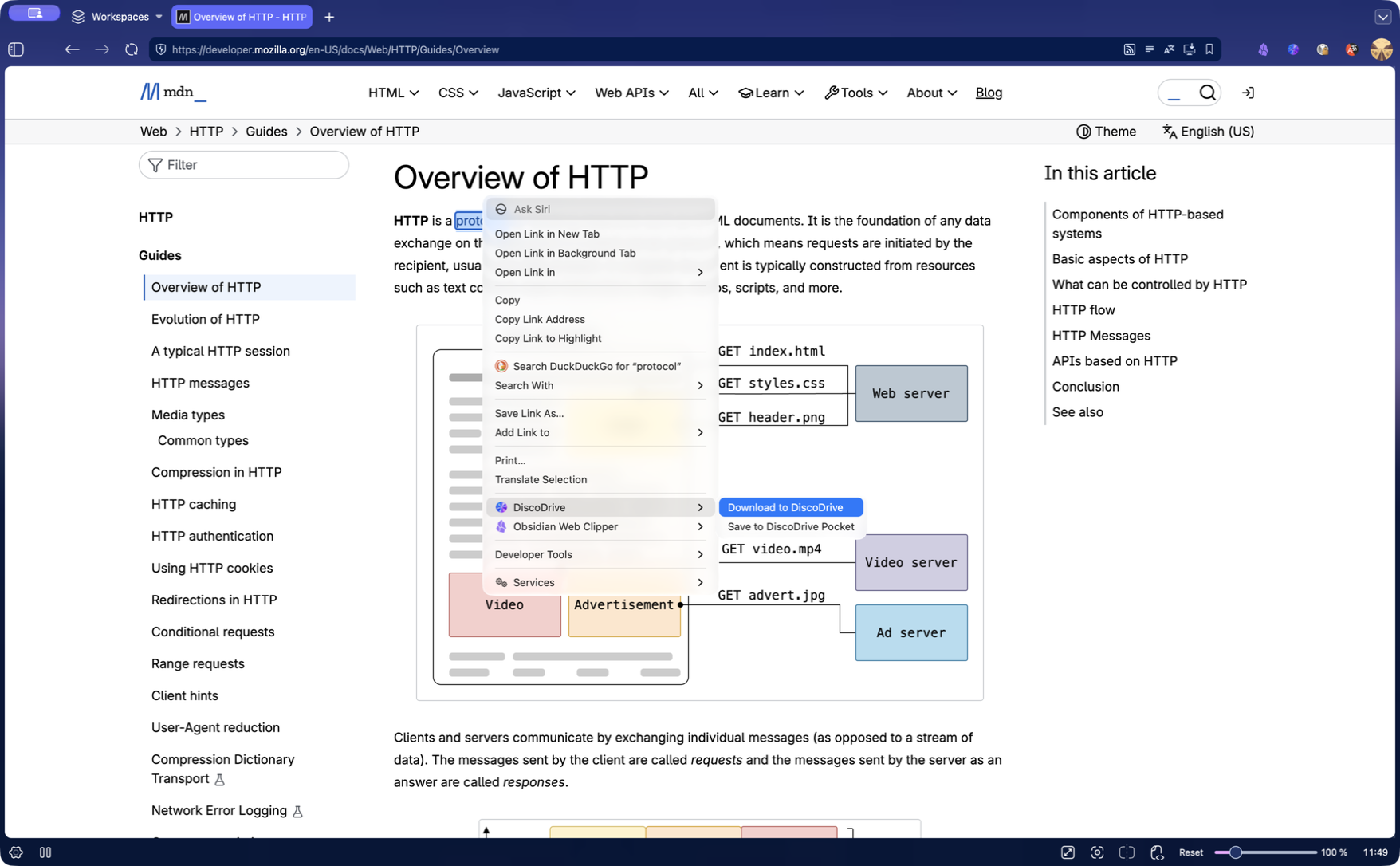
A link to an archive, installer or video goes to the server, and the file lands straight in your storage.
- Open the extension menu or right-click a link.
- Choose saving to the cloud.
- From there the server takes over. You can turn the computer off.
- The file shows up in the web interface, the apps and over WebDAV.
A large archive no longer has to be downloaded to your laptop and then uploaded back to the cloud.
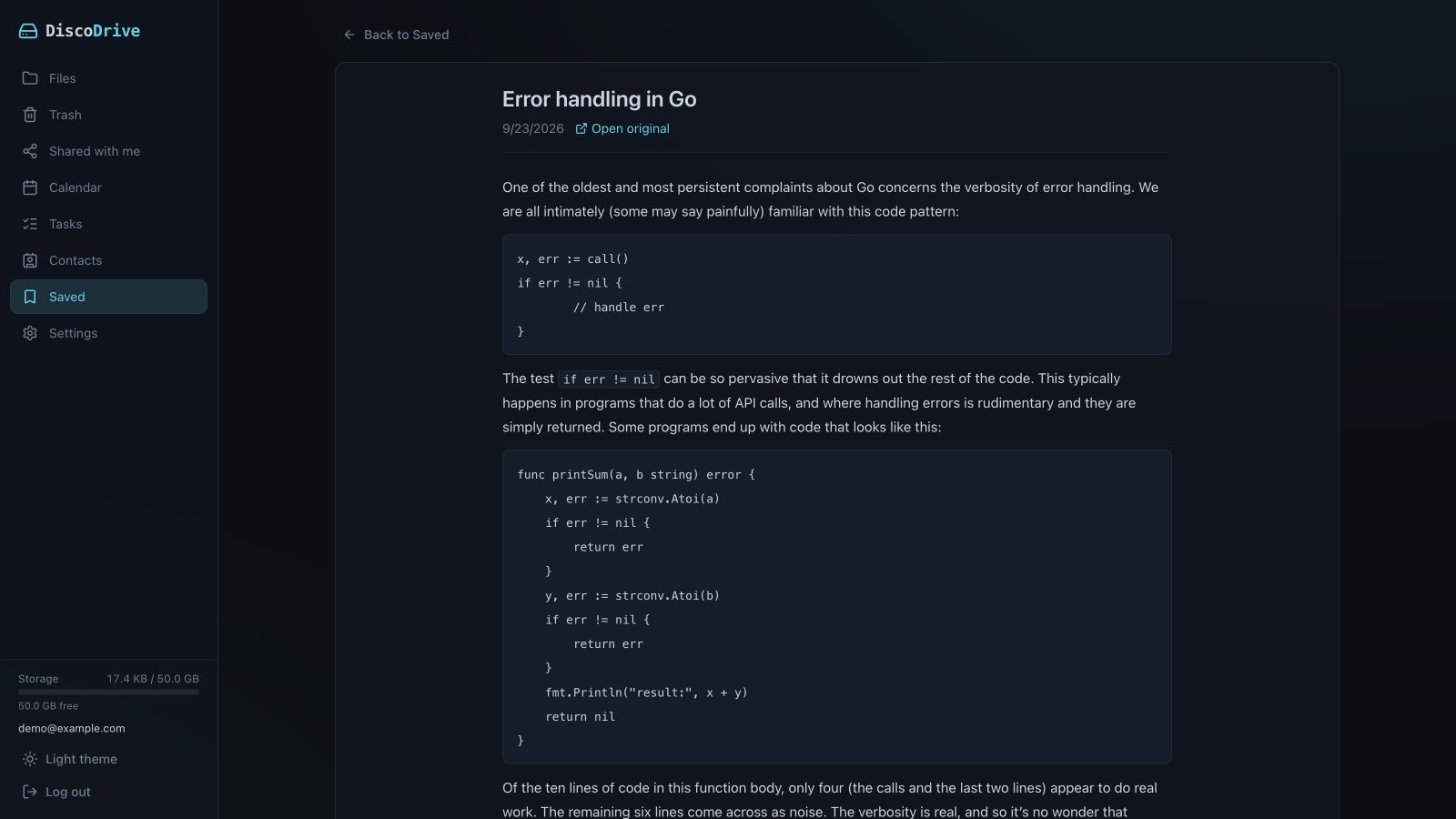
Save an article for later
The article is saved as clean text, without ads or page clutter.
- Open the article in your browser.
- Send it to read-later from the extension menu.
- Read it later in the DiscoDrive web interface on any device.
The text is taken straight from the open tab, so articles you can only see after logging in or through a subscription are saved too.
The same bookmarks in every browser
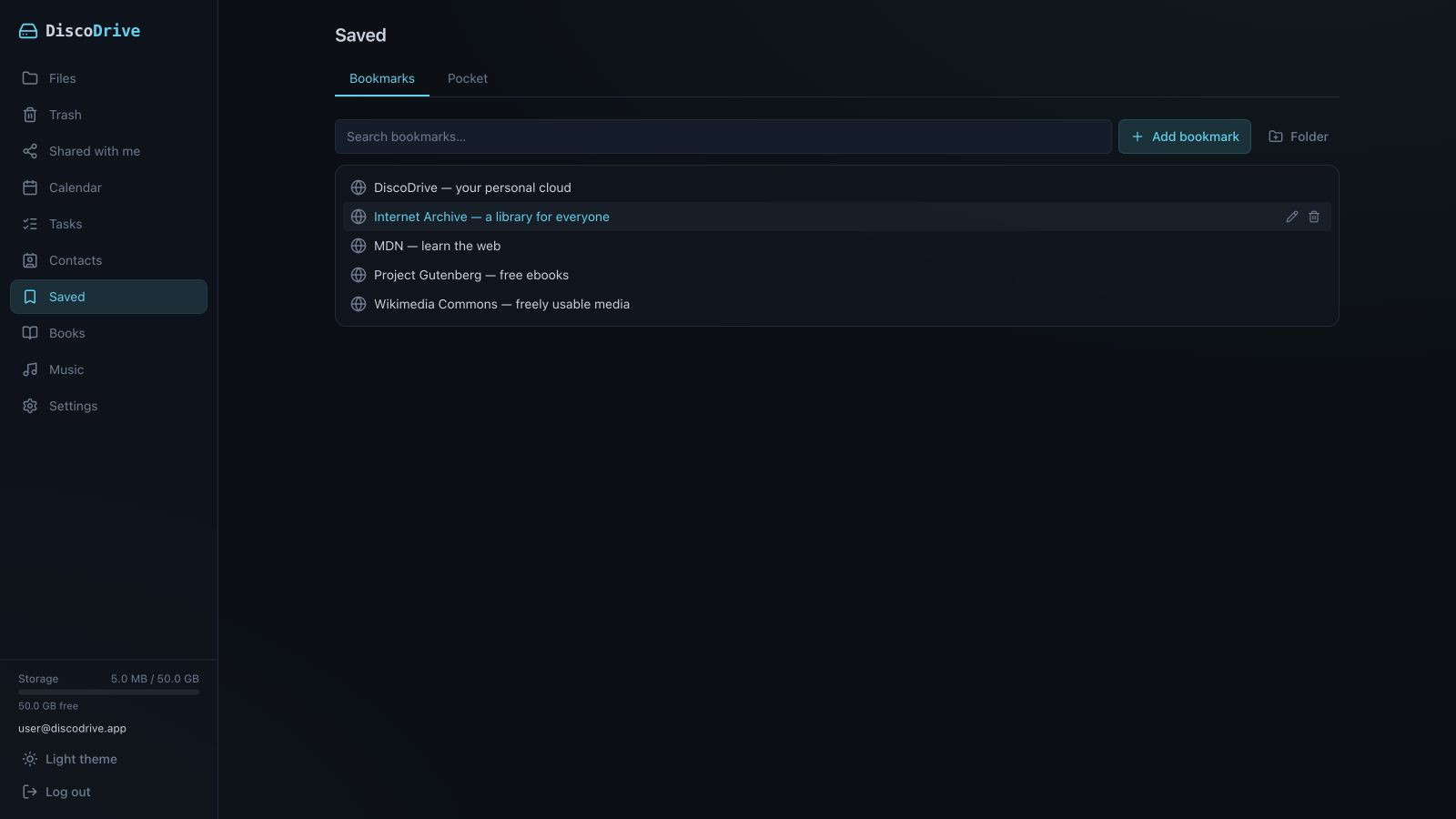
Add a bookmark in one browser and it appears in the other. The bookmarks are stored on your server.
- Install the extension in every browser you use.
- On first connection, existing bookmarks are merged.
- After that, new, renamed and deleted bookmarks sync both ways.
- The same bookmarks are available in the web interface, in dd-cli and to an AI assistant.
If you use both Firefox and Chromium, their bookmarks will match.
Menus and notifications
Everything is done from the context menu or the extension popup.
- Right-click a link to save a file or an article.
- The server connection can be checked in settings.
- The icon shows the number of active jobs.
- A notification tells you when a download finishes.